
 ES
ES
 DE
DE
 FR
FR
 IT
IT
 Austria
 Belgium
 Bulgaria
 Croatia
 Cyprus
 Czech Republic
 Denmark
 Estonia
 Finland
 Greece
 Hungary
 Ireland
 Liechtenstein
 Lithuania
 Luxembourg
 Malta
Malta
 Netherlands
 Poland
 Portugal
 Romania
 Slovakia
 Slovenia
 Sweden
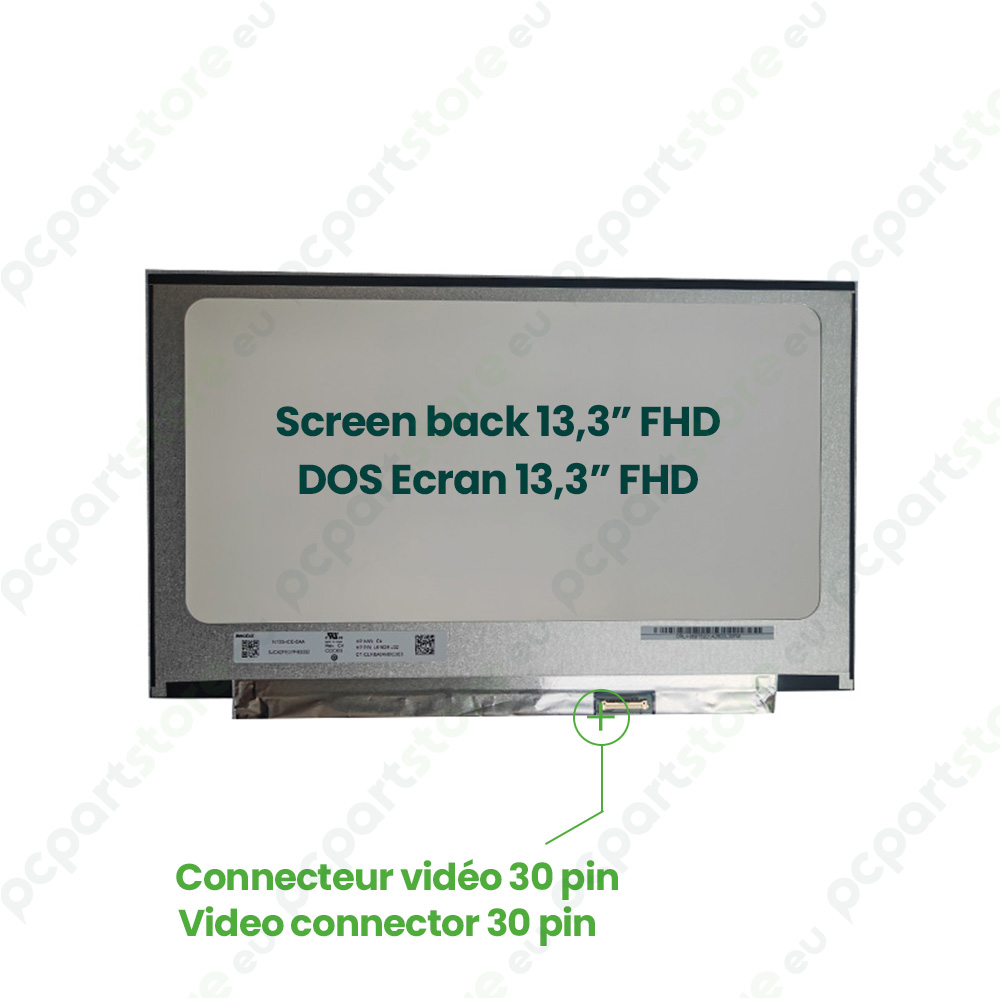
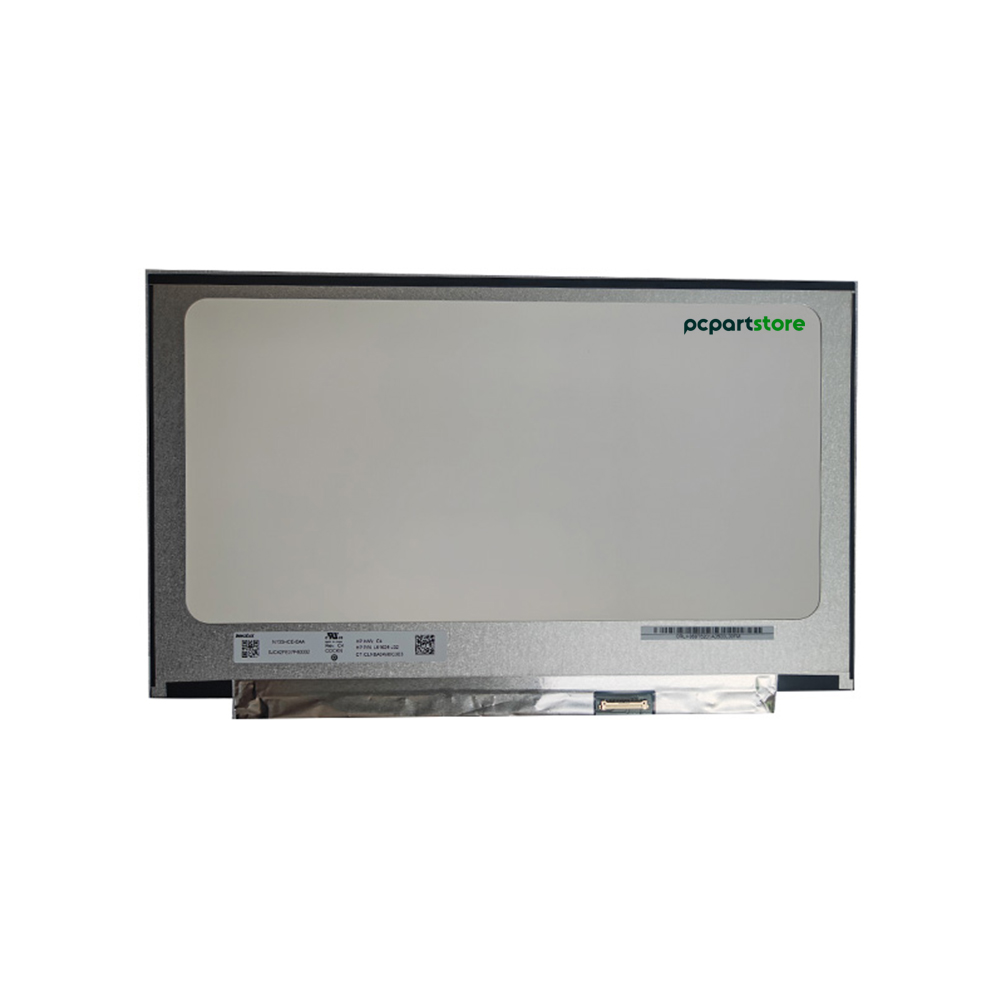
Innolux N133HCE-EAA 13.3" LED Laptop Display Panel
Innolux N133HCE-EAA 13.3" Replacement Screen, NEW, Matte
N133HCE-EAA New Display Panel – 13.3" Full HD 1920x1080 Screen, Straight 30-Pin Connector
Is your 13.3-inch laptop having display issues? Give it a new lease on life with the brand-new N133HCE-EAA display panel. With its Full HD resolution of 1920 x 1080 pixels, this display delivers exceptional image quality, ideal for work, multimedia, or even remote learning.
Compact and high-performance, the N133HCE-EAA panel is designed for 13.3-inch laptops and stands out for its slim profile, light weight, and ability to deliver sharp, detailed images. It features LED backlighting that provides good brightness while minimizing power consumption, which is ideal for preserving your device’s battery life.
This model is equipped with a straight 30-pin connector, ensuring a stable and secure connection to your laptop’s motherboard. It’s essential to check the technical specifications of your current display before making a purchase: size, resolution, connector type and position, as well as mounting options. This step ensures perfect compatibility with the N133HCE-EAA model.
Thanks to its sharp display and high resolution, this screen is ideal for professionals on the go, creative professionals, or students who need a precise and pleasant screen for everyday use.
Helpful tip: Remove your original screen to compare its specifications with those of the N133HCE-EAA panel. This will help you avoid any mistakes when making your purchase.
Trust in the quality of a Full HD laptop screen with the N133HCE-EAA panel: a reliable, high-performance, and easy-to-install solution for a perfect display every day.
| Brand | Innolux |
| Product Name | Innolux N133HCE-EAA 13.3" LED Compatible Display Panel |
| Category | DISPLAY PANEL |
| Part Number | N133HCE-EAA |
| Size | 13.3" |
| Mounting | No mounts |
| Resolution | FHD (1920x1080) |
| Connector | 30-pin |
| Condition | NEW |
| Finish | Matte |
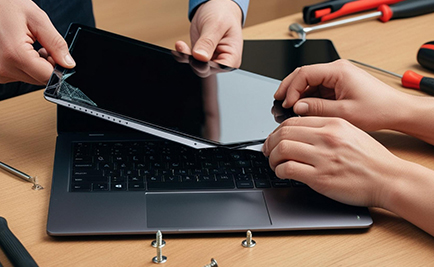
Repairing a computer screen: guide and solutions for damaged screens
The computer screen is at the heart of our digital interaction, but it can be subject to a variety of problems that compromise its smooth operation. Whether you're using a laptop or a desktop computer, these failures sometimes require technical...
Read +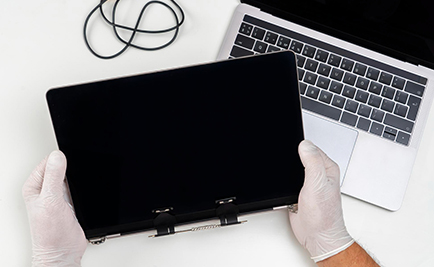
How do I replace a laptop screen?
Has your laptop screen stopped working and you've decided to replace it? Here's a detailed tutorial to help you install a new screen with complete peace of mind. Identify your screen's slab type Before getting started, it's important to...
Read +
How can I find information about my monitor model?
When you need to replace or repair your screen, identifying its model is an essential step in ensuring compatibility with new equipment. Here are the different ways to find this information easily. Check the label on the screen The first...
Read +
How to find out your screen resolution?
A screen's resolution determines its display quality, based on the number of pixels it can display. It is essential for choosing a screen adapted to your needs, or for optimizing your visual parameters. Here's how to easily identify this...
Read +
What is a compatible screen and why is it important?
When it comes to replacing the screen on your laptop or monitor, choosing a compatible screen is essential to ensure optimum performance. Here's everything you need to know about compatible screens and their importance. What is a compatible...
Read + France
 Belgique
 Pays bas
 UK
UK