
 ES
ES
 DE
DE
 FR
FR
 IT
IT
 Austria
 Belgium
 Bulgaria
 Croatia
 Cyprus
 Czech Republic
 Denmark
 Estonia
 Finland
 Greece
 Hungary
 Ireland
 Liechtenstein
 Lithuania
 Luxembourg
 Malta
Malta
 Netherlands
 Poland
 Portugal
 Romania
 Slovakia
 Slovenia
 Sweden
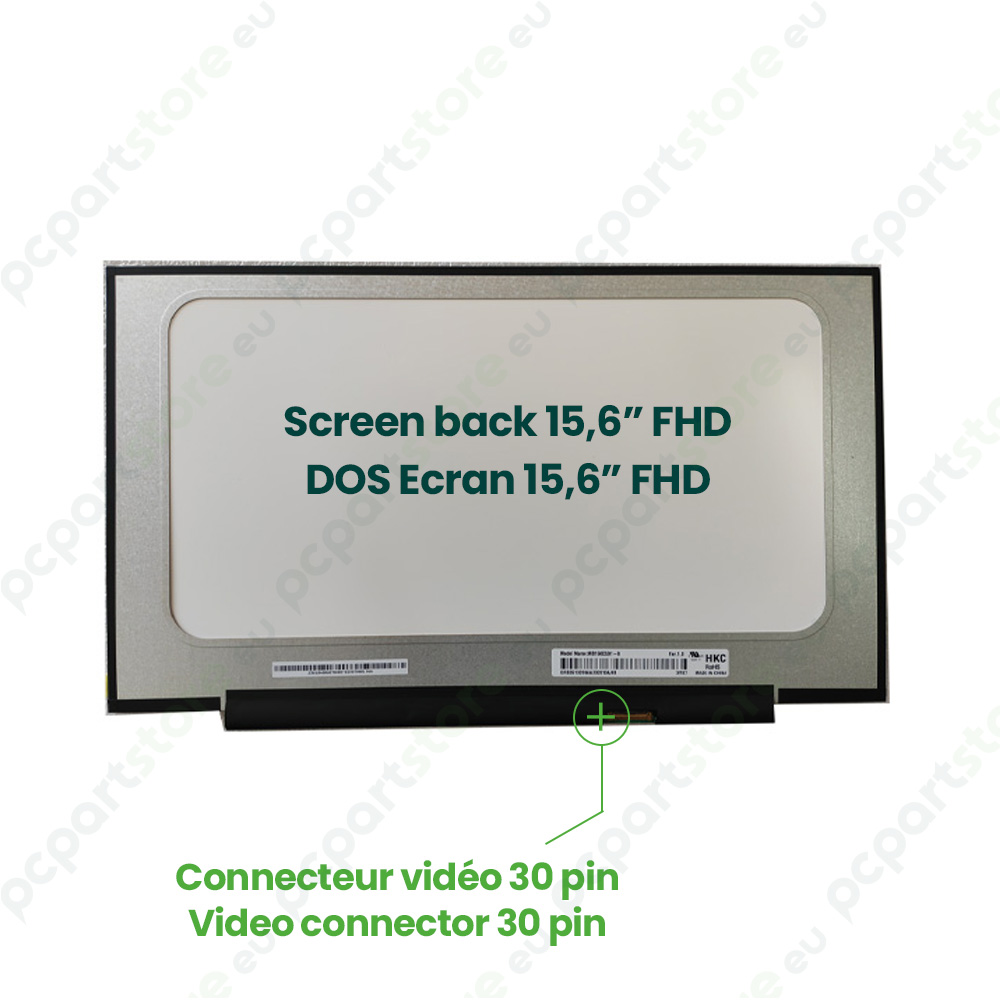
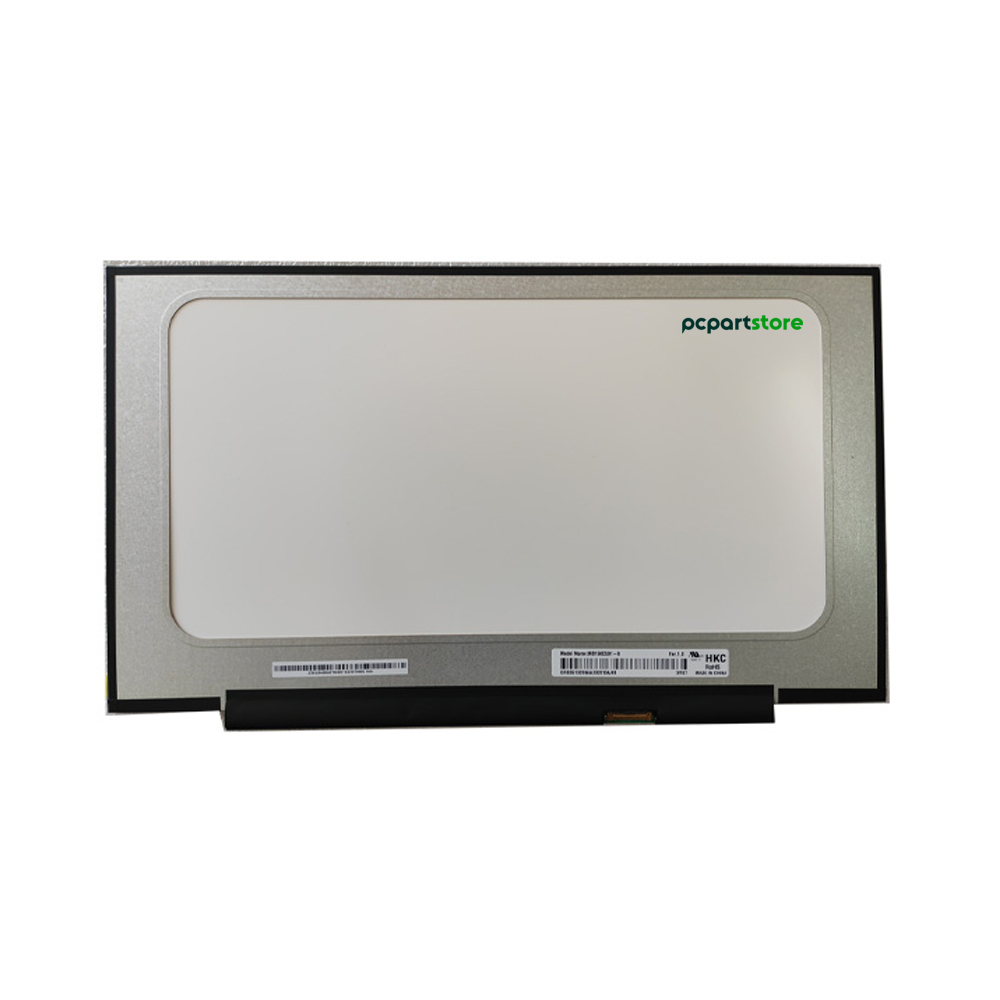
HKC MB156CS01-8 15.6" IPS Laptop Display Panel
HKC MB156CS01-8 15.6" Replacement Screen, NEW, Matte
New MB156CS01-8 Display – 15.6" Full HD IPS 30-Pin Laptop Screen
Bring your laptop back to life with the brand-new MB156CS01-8 display panel, a high-quality model designed to effectively replace a damaged, broken, or malfunctioning screen. This 15.6-inch display offers Full HD resolution (1920 x 1080), ideal for comfortable everyday use.
Thanks to IPS technology, the MB156CS01-8 display ensures wide viewing angles and accurate color reproduction. Whether you’re working, watching multimedia content, or taking online classes, this panel guarantees clear and consistent visual quality.
Equipped with a 30-pin connector, this display ensures a stable and fast connection to your laptop’s motherboard. It is essential to check compatibility before placing an order: compare the specifications of your current display (size, resolution, connector type, connector position, mounting) with those of the MB156CS01-8.
Its glossy finish enhances colors and provides excellent contrast with dark areas, making images more dynamic and vivid. It is a wise choice for users seeking a bright, vivid display, ideal for video, office work, and web browsing.
The MB156CS01-8 model comes brand new, tested, and ready for installation. It’s designed for both home users and computer repair professionals who want a high-quality part that’s easy to install and built to last.
Tip: Remove your current display to verify the specifications before purchasing and ensure perfect compatibility with the MB156CS01-8 panel.
Give your computer a crisp, smooth, and professional display with this high-performance, reliable Full HD IPS panel.
| Brand | HKC |
| Product Name | HKC MB156CS01-8 15.6" IPS Compatible Display Panel |
| Category | DISPLAY PANEL |
| Part Number | MB156CS01-NEW |
| Size | 15.6" |
| Mounting | No mounts |
| Resolution | FHD (1920x1080) IPS |
| Connector | 30-pin |
| Condition | NEW |
| Finish | Matte |
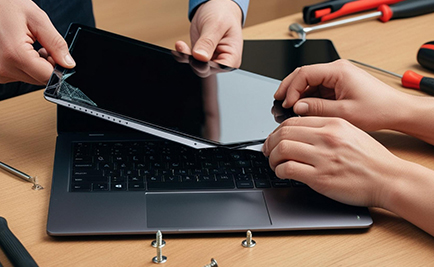
Repairing a computer screen: guide and solutions for damaged screens
The computer screen is at the heart of our digital interaction, but it can be subject to a variety of problems that compromise its smooth operation. Whether you're using a laptop or a desktop computer, these failures sometimes require technical...
Read +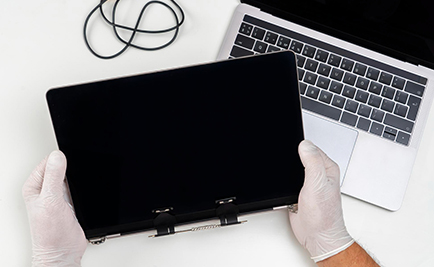
How do I replace a laptop screen?
Has your laptop screen stopped working and you've decided to replace it? Here's a detailed tutorial to help you install a new screen with complete peace of mind. Identify your screen's slab type Before getting started, it's important to...
Read +
How can I find information about my monitor model?
When you need to replace or repair your screen, identifying its model is an essential step in ensuring compatibility with new equipment. Here are the different ways to find this information easily. Check the label on the screen The first...
Read +
How to find out your screen resolution?
A screen's resolution determines its display quality, based on the number of pixels it can display. It is essential for choosing a screen adapted to your needs, or for optimizing your visual parameters. Here's how to easily identify this...
Read +
What is a compatible screen and why is it important?
When it comes to replacing the screen on your laptop or monitor, choosing a compatible screen is essential to ensure optimum performance. Here's everything you need to know about compatible screens and their importance. What is a compatible...
Read + France
 Belgique
 Pays bas
 UK
UK