
 ES
ES
 DE
DE
 FR
FR
 IT
IT
 Austria
 Belgium
 Bulgaria
 Croatia
 Cyprus
 Czech Republic
 Denmark
 Estonia
 Finland
 Greece
 Hungary
 Ireland
 Liechtenstein
 Lithuania
 Luxembourg
 Malta
Malta
 Netherlands
 Poland
 Portugal
 Romania
 Slovakia
 Slovenia
 Sweden
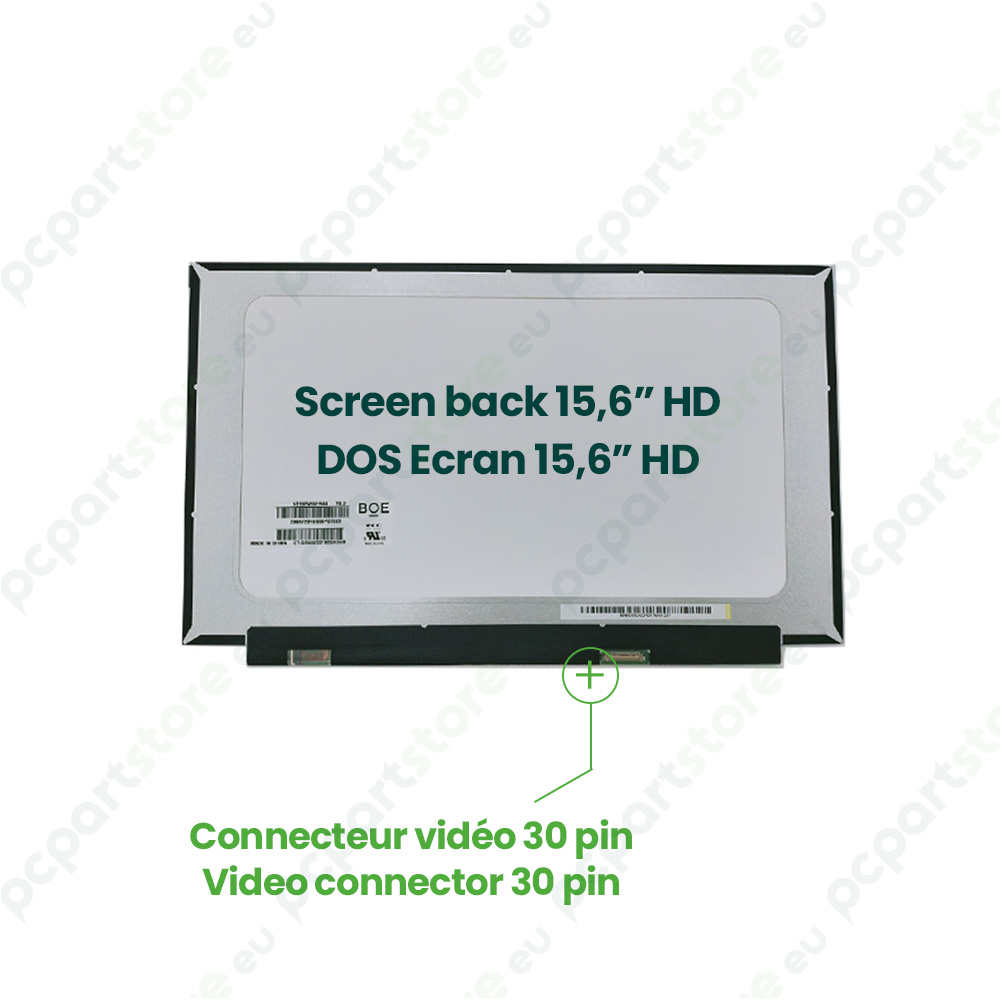
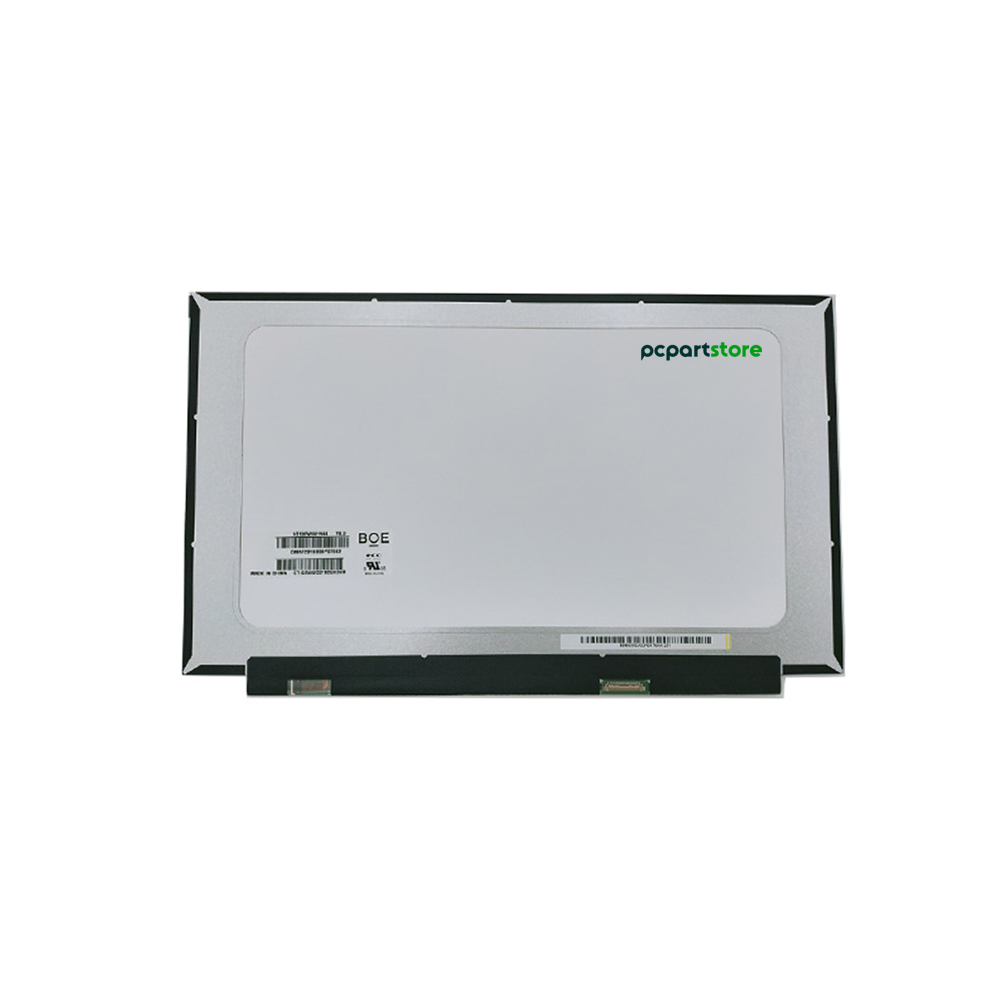
BOE NT156WHM-N44 15.6" LED Laptop Display Panel
BOE NT156WHM-N44 15.6-inch Replacement Laptop Screen
BOE NT156WHM-N44 Replacement Screen: A Fast and Effective Solution
Is your NT156WHM-N44 laptop screen damaged or no longer working? This genuine 15.6-inch LED display is the solution for you. With an HD+ resolution of 1366 x 768 pixels, it delivers a clear, precise, and comfortable image quality, perfectly suited for office, multimedia, or educational use.
The NT156WHM-N44 model is equipped with a 30-pin connector located at the bottom right (when viewed from the back)—an essential detail to ensure perfect compatibility with your device. Before making a purchase, we strongly recommend checking the part number of your display panel, which is printed on the back of your current screen, to ensure it matches this model. If you have trouble locating the model number, please contact us.
The replacement screen panel is designed to replace a defective or damaged screen (cracks, no backlight, display lines, flickering, or dead pixels). It offers a cost-effective and eco-friendly alternative to buying a new laptop. By replacing the screen, you’ll regain impeccable image quality without compromising your device’s overall performance.
Replacing the NT156WHM-N44 display panel is relatively simple, even for users with little experience in computer repair. With a little care and the right tools, the process can be completed in about 30 minutes. The NT156WHM-N44 model is compatible with several laptop brands and models. To avoid any mistakes, it’s important to check the size, resolution, connector type, and connector location.
By choosing this NT156WHM-N44 display panel, you’re selecting a reliable, high-performance, and easy-to-install part that will restore your laptop’s display to its original quality.
| Brand | BOE |
| Product Name | BOE NT156WHM-N44 15.6" LED Compatible Display Panel |
| Category | DISPLAY PANEL |
| Part Number | NT156WHM-N44 |
| Size | 15.6" |
| Mounting | No mounts |
| Resolution | WXGA HD (1366x768) |
| Connector | 30-pin |
| Condition | NEW |
Repairing a computer screen: guide and solutions for damaged screens
The computer screen is at the heart of our digital interaction, but it can be subject to a variety of problems that compromise its smooth operation. Whether you're using a laptop or a desktop computer, these failures sometimes require technical...
Read +
How do I replace a laptop screen?
Has your laptop screen stopped working and you've decided to replace it? Here's a detailed tutorial to help you install a new screen with complete peace of mind. Identify your screen's slab type Before getting started, it's important to...
Read +
How can I find information about my monitor model?
When you need to replace or repair your screen, identifying its model is an essential step in ensuring compatibility with new equipment. Here are the different ways to find this information easily. Check the label on the screen The first...
Read +
How to find out your screen resolution?
A screen's resolution determines its display quality, based on the number of pixels it can display. It is essential for choosing a screen adapted to your needs, or for optimizing your visual parameters. Here's how to easily identify this...
Read +
What is a compatible screen and why is it important?
When it comes to replacing the screen on your laptop or monitor, choosing a compatible screen is essential to ensure optimum performance. Here's everything you need to know about compatible screens and their importance. What is a compatible...
Read + France
 Belgique
 Pays bas
 UK
UK